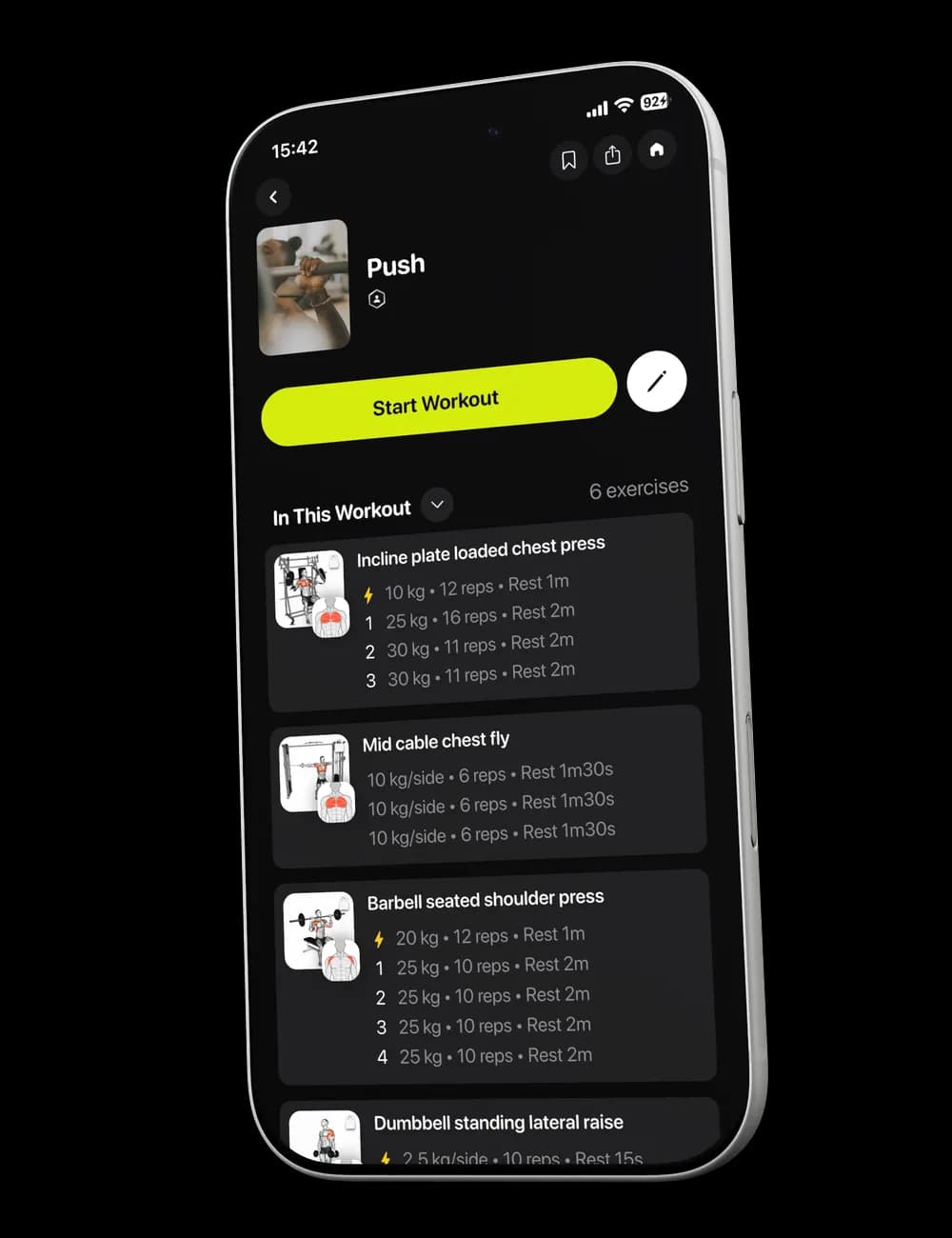
Learn the app. Never train lost.
Step-by-step guides for every feature, from your first plan to rest timers on your Lock Screen.


Add an exercise to your workout
Add another movement to an active workout and place it where you want before you continue training.

Adjust weight, reps, and effort
Update the set values during a workout so the log matches the weight, reps, and effort you actually completed.

Adjust your rest timer
Change the rest time between sets during a workout and apply the same duration to later sets when needed.

Customize your workout
Add, swap, or reorder exercises when the session needs to fit your equipment and training situation today.

Finish your workout and track progress
Check your set entries, finish the active workout, and find the saved session in History and Progress.

Getting started with Nudges Me
Set up your profile and equipment, review your first workout, log your sets, and find the completed session afterward.

Log and edit your workout sets
Record each set as you train and correct a completed set when the saved weight, reps, or effort is wrong.

Move or skip a workout
Reschedule a workout to another date, skip a scheduled session, or restore it from the Calendar menu.

Reorder exercises in your workout
Change the order of exercises in an active workout and review the session before you continue.

Set up your fitness profile
Choose your goal, experience, weekly training frequency, workout duration, and preferred split during setup.

Set up your training environment
Choose where you train, review your Gym Profile, and make sure the equipment list matches what you can use.

Start and log your first workout
Review the session, start the workout, log each set, and use Focus or Overview to stay oriented as you train.

Swap an exercise in your workout
Replace a movement during an active workout when you need a different exercise or another equipment option.

Understand your workout plan
Find your next workout, review its exercises, and see where the session fits in your current training week.

Understand your workout recommendations
Read the suggested sets, weight, reps, rest, and effort shown for a workout while keeping every logged value accurate.

Update your available equipment
Open your active Gym Profile, add or remove equipment, review available weights, and save the updated list.

View your upcoming workouts
Find the next session on Home, review other available workouts, and use Calendar when your plan has a schedule.

View your workout history
Find completed workouts, open a saved session, and review the exercises and set information you logged.
Reading at your desk?
Take it to the gym.
Scan to open Nudges Me. Every step in these guides is one tap away in the app. Free on iPhone and Android.
Open in the app