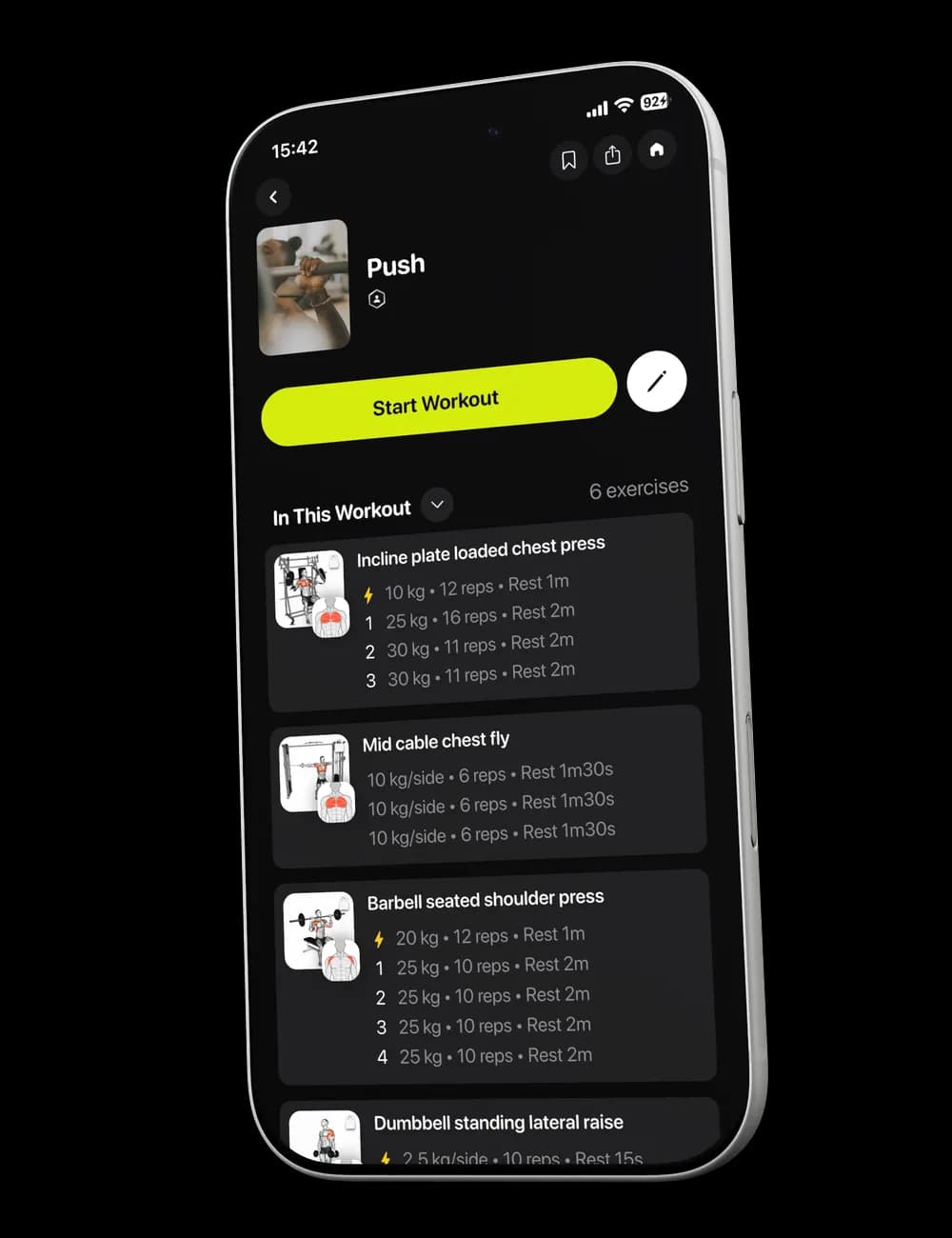
Weights and reps blur together once several sets have passed. Log each set while it is still fresh, and correct mistakes when you spot them, so your workout history does not depend on memory at the end.
Step 1: Open the set list
During a workout, switch to Overview and find the exercise you are performing. Each row shows the set number and the values available for that set.
Step 2: Enter what you performed
Tap the weight or reps field and enter the value you completed. If effort is available, tap it and choose the option that best matches how the set felt.

Use the values from the set you performed, even when they differ from what was shown before you started.
Step 3: Mark the set complete
Tap the checkmark at the end of the row. The completed state lets you see what is done and what remains in the exercise.

Step 4: Correct a completed set
If you logged the wrong value, tap the completed row and update the field that needs changing. Check the row again before you continue.