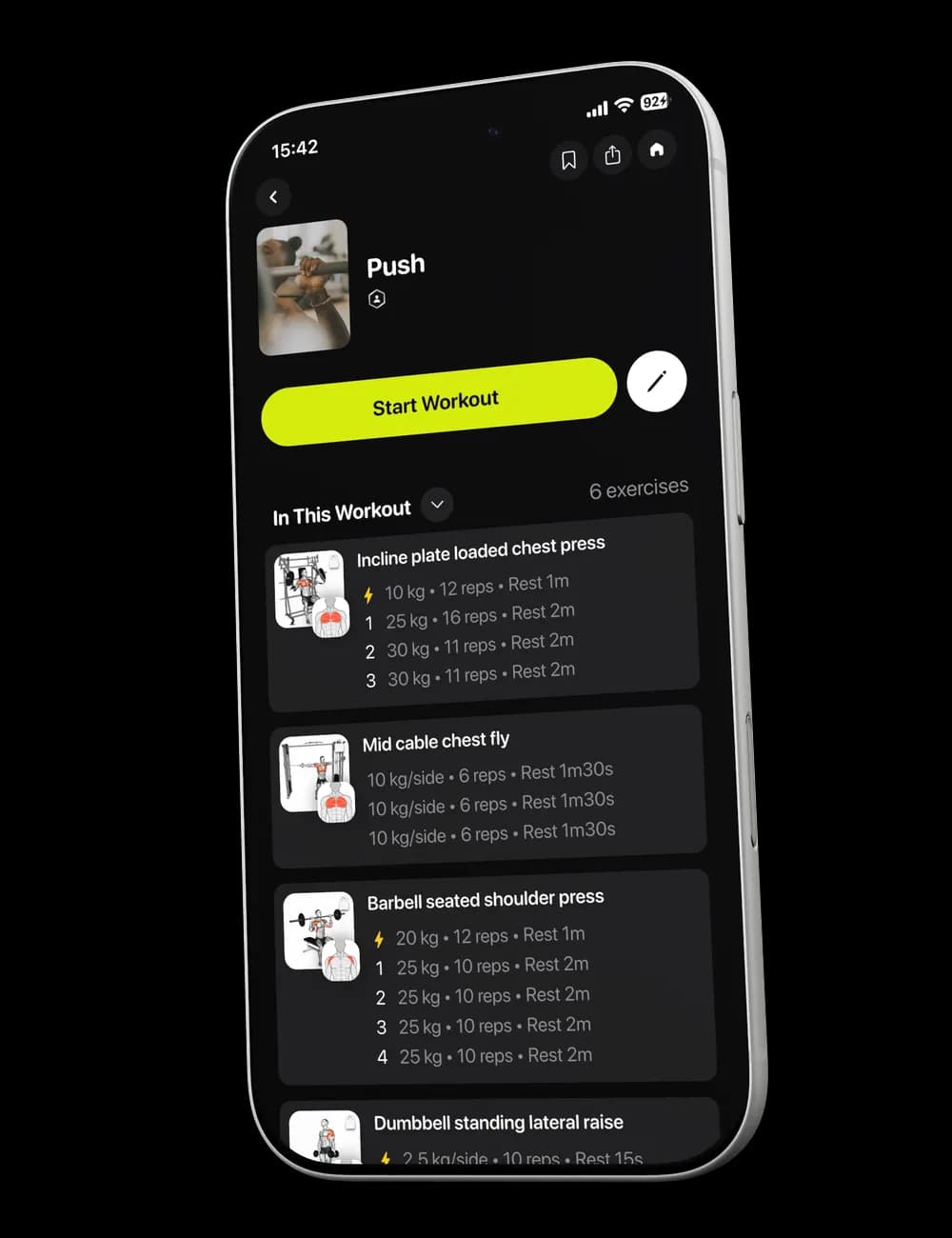
Numbers are only useful when you know whether they are guidance or a record. Read the visible sets, weight, reps, rest, and effort as the session’s starting structure, then log what you actually perform.
Step 1: Read the exercise summary
Open the workout preview and review In This Workout. Each exercise can show its number of sets and the visible weight or rep range for the session.
These details help you understand the shape of the workout before you tap Start Workout.
Step 2: Read a set row
During the workout, switch to Overview and expand an exercise. A set row can include:

- The set number.
- Weight.
- Reps or reps per side.
- effort, when available.
- A checkmark for completing the set.
Rest appears as its own row between sets when it is included.
Step 3: Adjust the values when needed
Tap the weight, reps, or effort field and enter what matches the set you perform. The completed row should reflect the session, even when it differs from the value shown beforehand.

Step 4: Continue with an accurate log
Review the row and tap its checkmark when the set is complete. Correct any mistake before you move on or return to the row later to edit it.