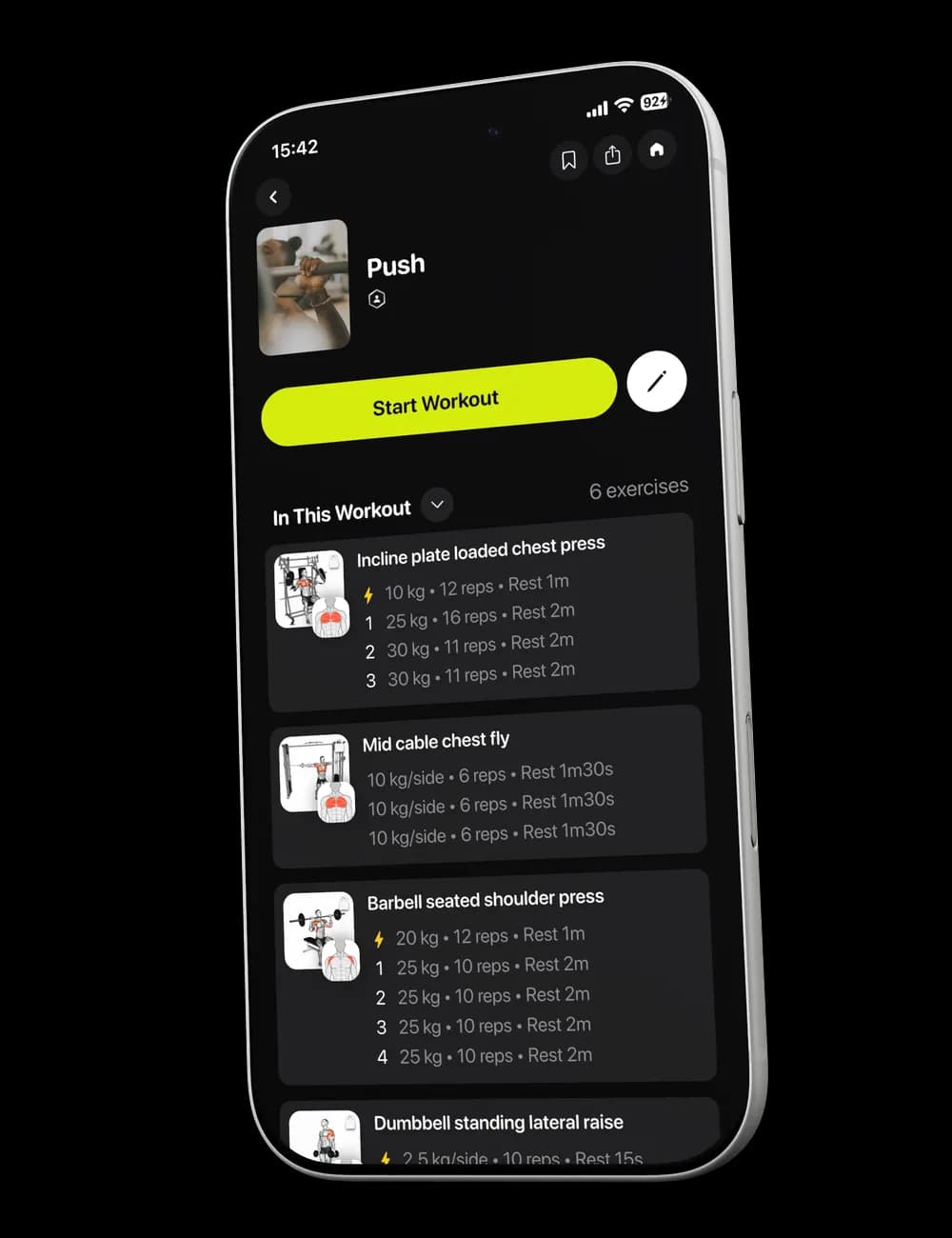
One unavailable machine, or one movement that does not feel right today, should not end the session. Swap the exercise from the active workout, check the replacement, and continue without losing your place.
Step 1: Find the exercise you want to change
Open Overview in the active workout. Find the exercise card you want to change, then tap Swap.

Step 2: Review the exercise list
The Select Exercises screen opens. Use Search or the visible Muscle, Gym Profile, and Equipment filters to narrow the list.
Step 3: Choose the replacement
Select the exercise you want to use. Return to Overview and confirm that the new exercise appears in the workout.

Step 4: Check the set details
Before you continue, review the visible weight, reps, rest, and effort fields for the replacement. Edit the values so your log matches what you actually perform.