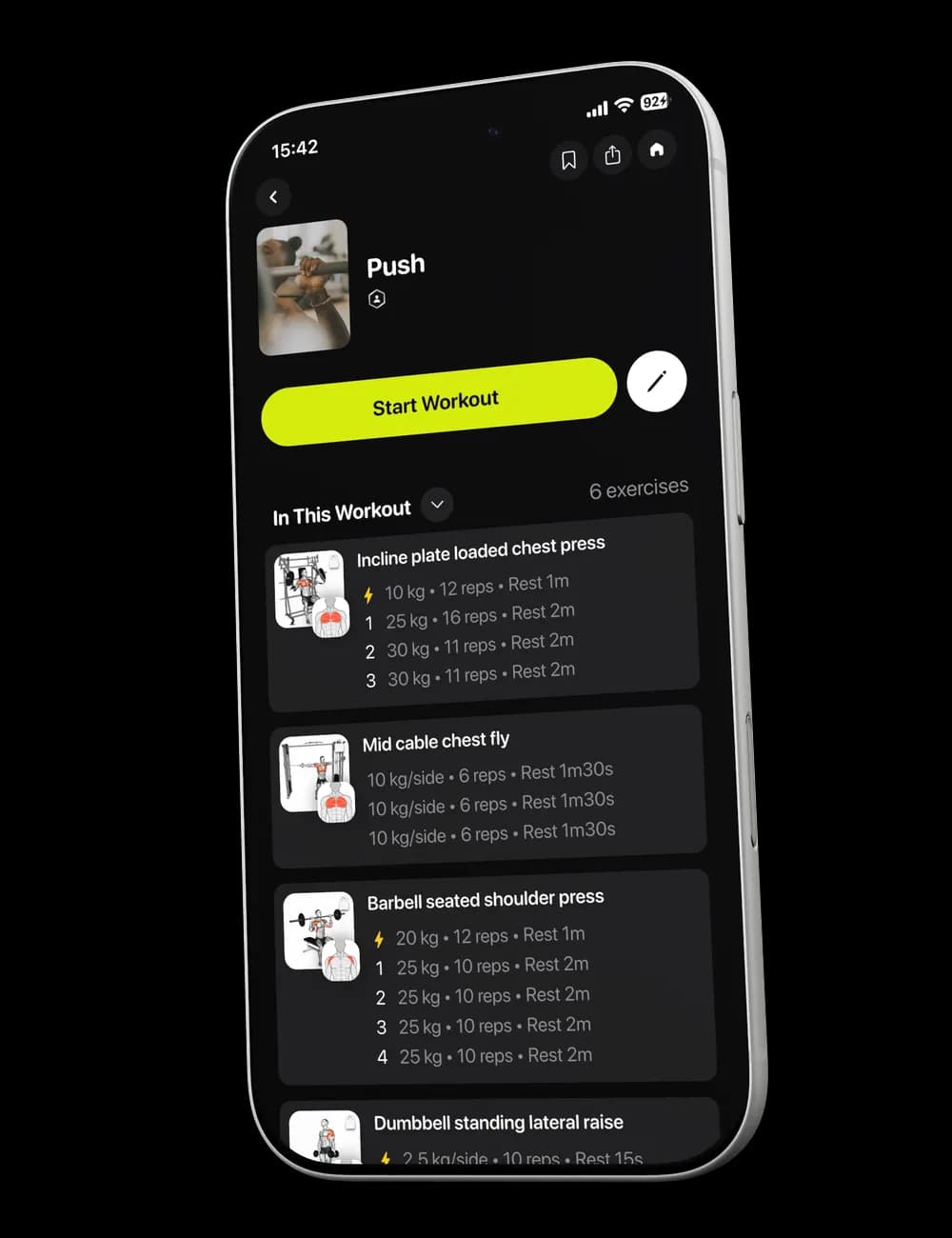
The hardest part of a first session in a new app is often not the exercise. It is knowing where to look without breaking your flow. Review the workout first, then use Focus, Overview, and the set controls to stay oriented while you train.
Step 1: Review the workout
From Home, tap the Next Workout card. Check the session summary and scroll through In This Workout so you recognize the exercises before you begin.

When you are ready, tap Start Workout.

Step 2: Follow the opening block
The workout may begin with a timed block such as Warmup. The Focus view keeps the current block and next set visible.
Use the pause control when you need to stop the timer temporarily. Resume only when you are ready to continue.
Step 3: Switch between Focus and Overview
Use Focus for the current block. Switch to Overview when you want to see the full exercise list, set rows, rest rows, and workout controls.

Both views belong to the same active workout, so choose the one that is easiest to follow at that moment.
Step 4: Log each set
In Overview, check the weight, reps, and effort fields for the set. Update them to match what you perform, then tap the row’s checkmark.


Use the rest row or timer before continuing to the next set. You can adjust the duration when needed.
Step 5: Finish when the session is complete
Review the workout for any missing or incorrect set entries. Tap Finish and follow the confirmation shown in the app only when you are ready to end the session.