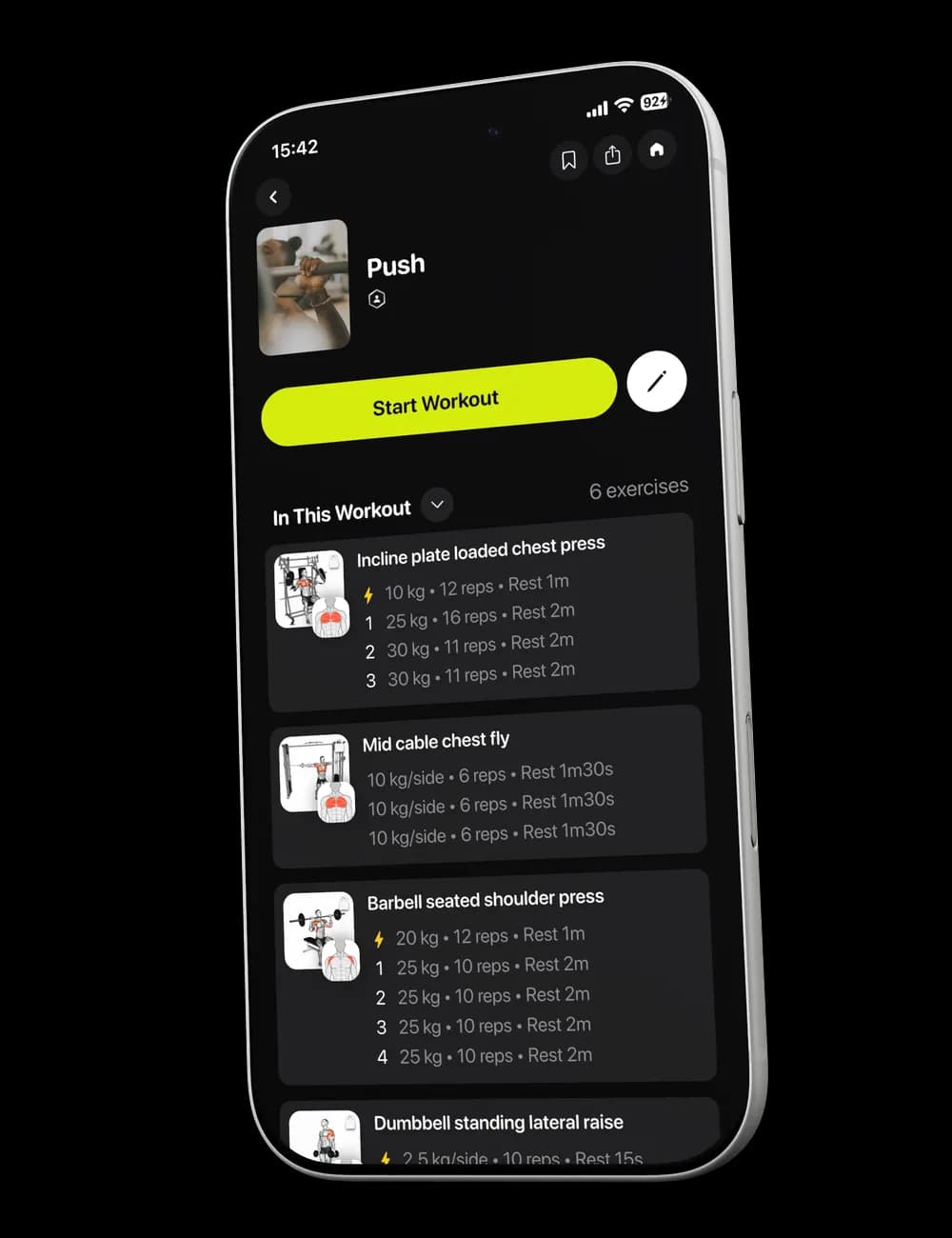
A workout is easy to remember right after the final set and much harder to reconstruct days later. Review your entries before you finish so History and Progress are based on a session record you can trust.
Step 1: Review the active workout
Switch to Overview and scan the exercise list. Check that completed sets show the weight, reps, and effort you actually performed.

Correct any visible entry that is wrong before ending the session.
Step 2: Finish the workout
Tap Finish at the top of the active workout. Read the confirmation shown in the app before continuing.

If the app warns that incomplete sets will be removed, return to the workout when you still intend to log them. Continue only when the workout record is ready to save.
Step 3: Find the saved session
Open Me, then select History. The Workout tab lists completed sessions with the workout name, date, duration, and visible summary.

Tap a workout to open its detail page.
Step 4: Review the workout details
The detail page can show the session duration, exercise count, logged volume, completed sets, reps, and per-exercise information.
Use these details to check the workout record. They describe the saved session; this guide does not interpret them as a diagnosis or guarantee of future progress.
Step 5: Open Progress for the broader view
Tap Progress in the bottom navigation. Review the available activity cards, such as workout history, training duration, trained muscles, or total volume.
The cards reflect the data currently available in your account, so the sections and time ranges you see may vary.