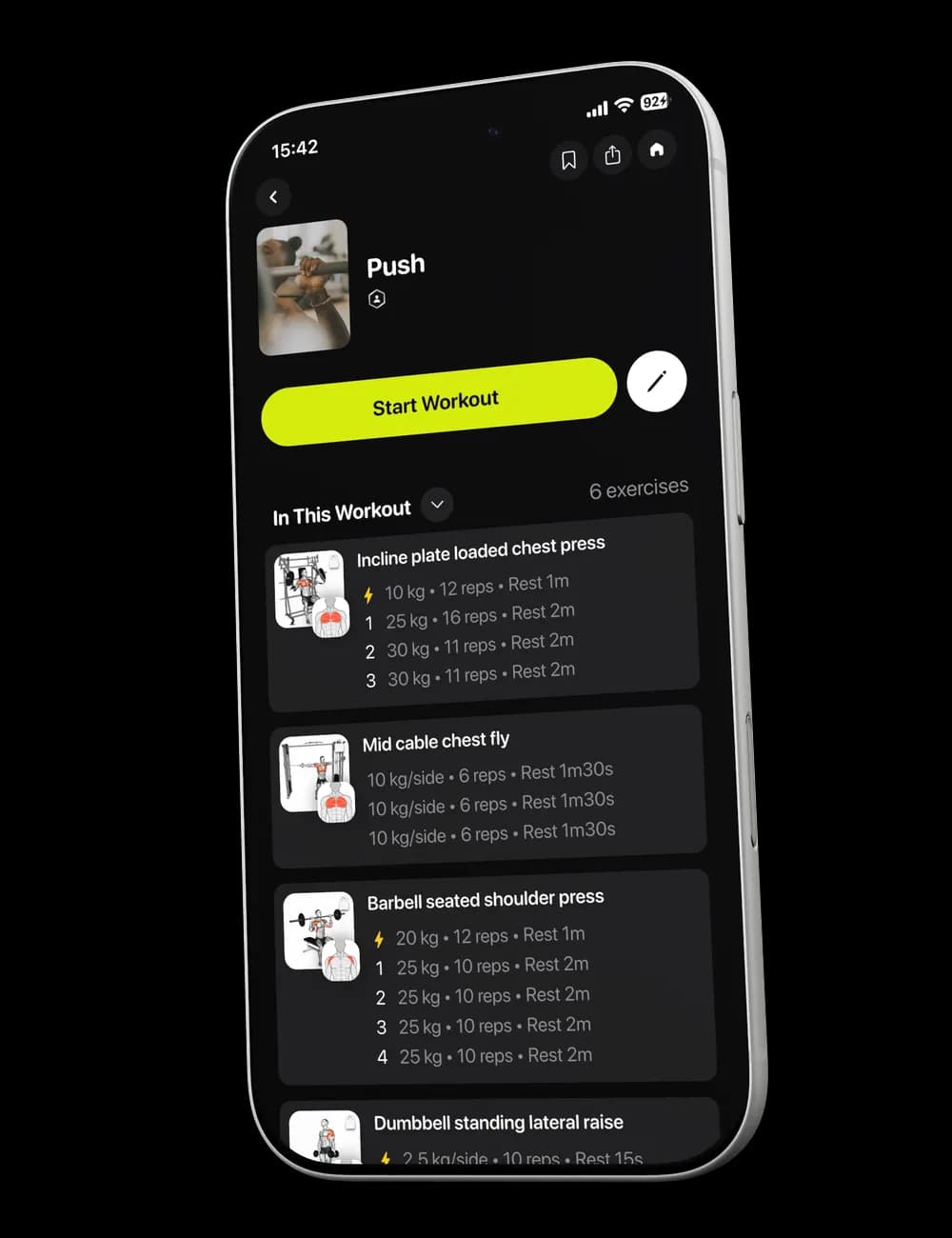
Sometimes the workout in front of you is missing one movement you still want to train. Instead of keeping it in your head and forgetting it by the end of the session, add it to the active workout and place it where it fits.
Step 1: Open the workout editor
From the active workout, switch to Overview and find any exercise card. Tap Reorder to open Edit Workout.

Step 2: Open the exercise list
Tap Add Exercise(s) at the bottom of the workout editor.

You can use Search or narrow the list with the visible filters, including Muscle, Gym Profile, and Equipment.
Step 3: Select the exercise
Choose the exercise or exercises you want to add. Check the exercise name and equipment before continuing.

Step 4: Review and save the workout
Return to Edit Workout and review the updated exercise list. Reorder any item if needed, then tap Save.

The added exercise will appear in your active workout. Review its visible set details before you begin it, and edit the values if they do not match what you perform.